
Investor Resources
INVESTOR RESOURCES
Investor-First. Always.
At U.S. Energy Development Corporation, everything starts with you.
From a streamlined onboarding experience to secure access through our Investor Portal, we make it easy to understand, manage, and track your investments. You can count on us for clear communication, accessible documents, and responsive support when you need it.
Because being “investor-first” isn’t a tagline—it’s our standard.
Access the Investor Portal
Access our portal to securely download important documents, update account information, and select payment options directly on your profile.
Investor K-1s are Now Available for 2025
Check our status page for more information on each individual program.
Access Our New and Improved Portal
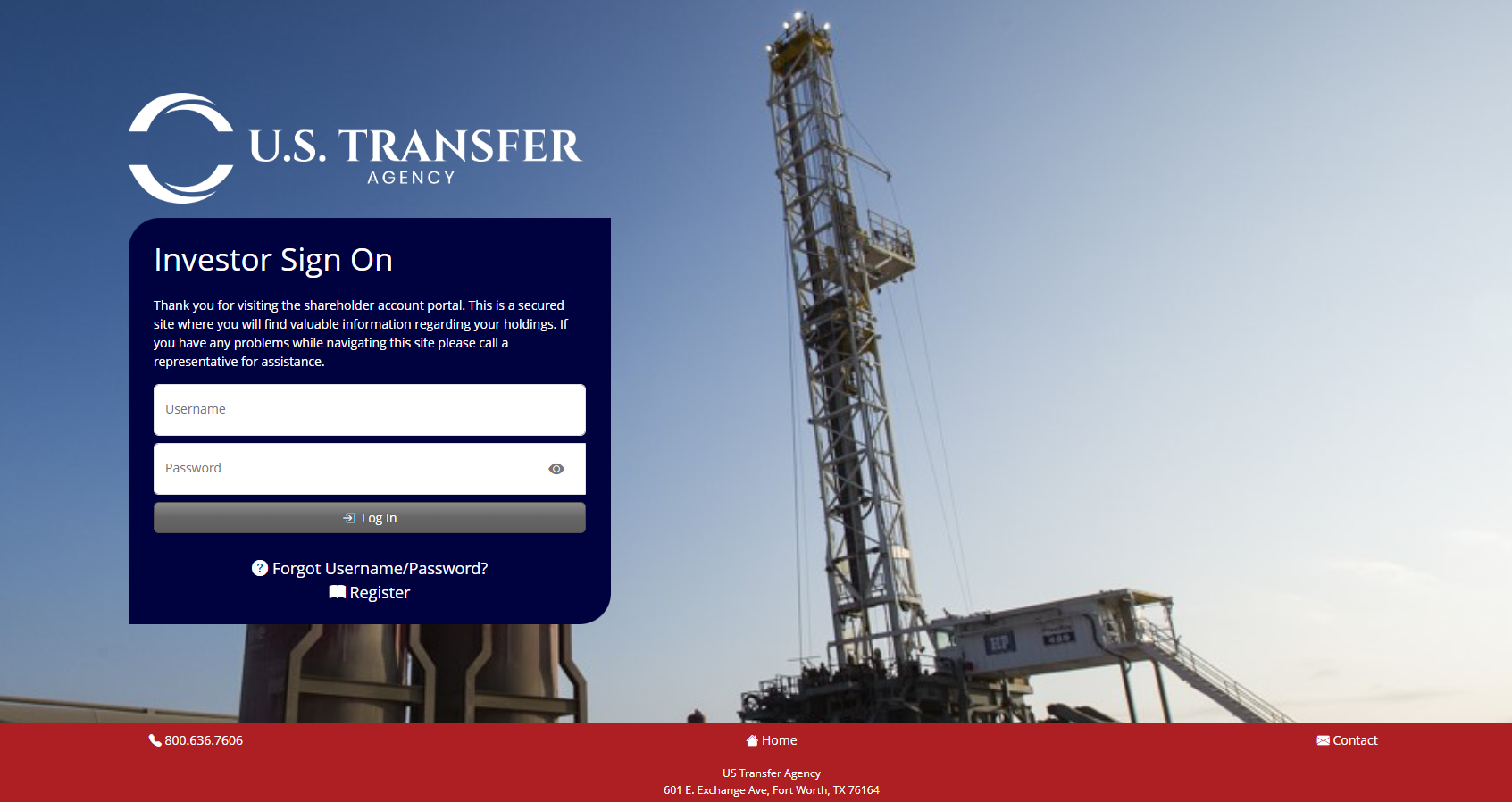
The online Investor Portal is provided by an affiliate of U.S. Energy Development Corporation, U.S. Transfer Agency. Access important documents and update your information directly through our new and improved investor experience.
Need something else?
Contact us below and one of U.S. Energy’s Investor Services professionals will reach out to you.
Frequently Asked Questions
Portal Access
Visit the Investor Portal and click here for a step by step guide.
Updating Contact Information
Changes to Address, Phone Number, Email, and Payment Accounts can be made through the Investor Portal.
Login to the portal, select the program and navigate to the "Action Items" drop down menu located in the top tool bar.
Here you can:
- Change Your Address
- Update Your Payment Options
- Add a Secondary Address for Distributions
Please Note: For custody investments, changes must be initiated by your Advisors and Contacts.
Updating Payment Information
- Log in to the Investor Portal.
- Select the appropriate program.
- From the top toolbar, open the Action Items drop-down menu and select Payment Options.
- Choose your preferred payment method: Direct Deposit or Wire Transfer.
- Complete all required fields.
- Click Submit to save your selection.
Portal Notifications
Investors are automatically enrolled to receive email notifications whenever changes are made to their account or new documents become available in the Investor Portal.
To ensure timely delivery of these notifications, investors should verify that the email address provided during portal registration is accurate and up to date.
Accessing Investor Change Forms
All change forms are visible on the Investor Portal under Document Exchange. The change forms are displayed under the tab labeled "Investor Change Forms."
Questions Regarding Portal Access
Please reach out to Investor Services at investorrelations@usedc.com or (800) 636-7606, option 1.
Changing Ownership of an Investment
- Log in to your Investor Portal.
- Select your program and navigate to the Documents button on the Account Summary page.
- Click on the tab labeled Investor Change Forms to view all available downloadable forms.
- Select the desired form.
- Download, complete, and return the form to USEDC following the submission instructions provided on the form.
Changing a Beneficiary / Transfer on Death
- Log in to your Investor Portal.
- Select your program and navigate to the Documents button on the Account Summary page.
- Click on the tab labeled Investor Change Forms to view all available downloadable forms.
- Select the desired form.
- Download, complete, and return the form to USEDC following the submission instructions provided on the form.
Changing Your Financial Advisor
- Log in to your Investor Portal.
- Select your program and navigate to the Documents button on the Account Summary page.
- Click on the tab labeled Investor Change Forms to view all available downloadable forms.
- Select the desired form.
- Download, complete, and return the form to USEDC following the submission instructions provided on the form.
Updating Payment Information
- Log in to the Investor Portal.
- Select the appropriate program.
- From the top toolbar, open the Action Items drop-down menu and select Payment Options.
- Choose your preferred payment method: Direct Deposit or Wire Transfer.
- Complete all required fields.
- Click Submit to save your selection.
Tax Documents
Typically by the end of March for K-1s or January 31 for 1099s, depending on the investment structure.
Questions Regarding K-1s or 1099s
Please contact your Financial Advisor or CPA regarding your tax filing concerns/issues.
Please Note: Investor Services can only answer questions regarding: Distribution Issues, Portal Access and Reporting Issues.
First Distribution Timing
Drilling & Institutional Funds
The first distribution is typically made six months following the close of the fund.
Mineral Exchange Funds
The first distribution is made one month following the initial investment date. Please note, this payment may be prorated depending on your entry date.
Opportunity Zone Funds & Private Capital Funds
Please refer to your Private Placement Memorandum (PPM), as distribution timelines are defined individually for each fund.
Please Note: payments to brokerage/custodian accounts may have a slightly longer processing time depending on the brokerage firm
Distribution Frequency
Drilling, Auxiliary & Institutional Funds
Distributions are made quarterly, typically on the 25th day following the quarter end.
Mineral Exchange Funds
Distributions are made monthly.
OZF III and PC III
Distributions are made quarterly, on a slightly different schedule than Drilling.
Payments are issued on or around the 15th day of the second month following quarter end:
- February 15
- May 15
- August 15
- November 15
Please Note: payments to brokerage/custodian accounts may have a slightly longer processing time depending on the brokerage firm
Questions Regarding Distributions
Please reach out to Investor Services at investorrelations@usedc.com or (800) 636-7606, option 1.